
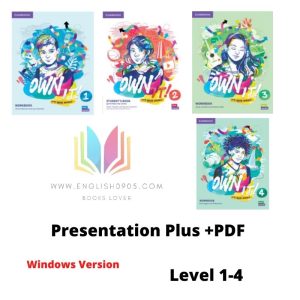
Own it! – Presentation Plus (Window version) + PDFs
Own It!
It's your world.
We live in a rapidly changing world. With Own It!, teens develop the confidence and competencies they need to forge their own path in this ever-evolving global landscape. From developing critical and creative thinking skills and social/emotional aptitudes to working effectively in a group, Own it! helps create confident, future-ready learners who are able to meet the challenges ahead. ---------- Contact us for any question: Email: hino09051986@gmail.com Telegram: hino0905Choose your option:
Own It!
It’s your world.
We live in a rapidly changing world. With Own It!, teens develop the confidence and competencies they need to forge their own path in this ever-evolving global landscape.
From developing critical and creative thinking skills and social/emotional aptitudes to working effectively in a group, Own it! helps create confident, future-ready learners who are able to meet the challenges ahead.
Key Features
Presentation Plus is classroom presentation software that can be used with an interactive whiteboard or with a computer and a projector. It allows teachers to display the pages and conduct interactive activities from the Student’s Book. It is also possible to present the Workbook, play Class Audio and the Video Program, display scripts and answer keys, play classroom games, and print out the Teacher’s Edition pages, Video Resource Book activities and teaching notes. In addition, the tools in Presentation Plus allow teachers to zoom in, make notes on pages, and add custom links to other material.